sdxl-based / realvisxl-v3-multi-controlnet-lora
RealVisXl V3 with multi-controlnet, lora loading, img2img, inpainting
- Price: $0.0004 per second of GPU time, billed from prepaid credit. Failed runs are free.
- License: CreativeML OpenRAIL++-M
- Source: https://github.com/fofr/cog-realvisxl-3-multi-controlnet-lora
- Collection: Edit images
- Status: available now
Run sdxl-based/realvisxl-v3-multi-controlnet-lora with the API
curl -s https://binerai.biner.dev/v1/predictions \
  -H "Authorization: Bearer $BINERAI_TOKEN" \
  -H "Content-Type: application/json" \
  -d '{"model":"sdxl-based/realvisxl-v3-multi-controlnet-lora","input":{}}'
Then poll GET https://binerai.biner.dev/v1/predictions/:id or pass a webhook URL. Full reference: API docs.
Input
| Field | Type | Description |
|---|---|---|
mask | string | Input mask for inpaint mode. Black areas will be preserved, white areas will be inpainted. |
seed | integer | Random seed. Leave blank to randomize the seed |
image | string | Input image for img2img or inpaint mode |
width | integer, default 768 | Width of output image |
height | integer, default 768 | Height of output image |
prompt | string, default "An astronaut riding a rainbow unicorn" | Input prompt |
refine | string, default "no_refiner" | Which refine style to use |
scheduler | string, default "K_EULER" | scheduler |
lora_scale | number, default 0.6 | LoRA additive scale. Only applicable on trained models. |
num_outputs | integer, default 1 | Number of images to output |
controlnet_1 | string, default "none" | Controlnet |
controlnet_2 | string, default "none" | Controlnet |
controlnet_3 | string, default "none" | Controlnet |
lora_weights | string | Replicate LoRA weights to use. Leave blank to use the default weights. |
refine_steps | integer | For base_image_refiner, the number of steps to refine, defaults to num_inference_steps |
guidance_scale | number, default 7.5 | Scale for classifier-free guidance |
apply_watermark | boolean, default false | Applies a watermark to enable determining if an image is generated in downstream applications. If you have other provisions for generating or deploying images safely, you can use this to disable watermarking. |
negative_prompt | string, default "" | Negative Prompt |
prompt_strength | number, default 0.8 | Prompt strength when using img2img / inpaint. 1.0 corresponds to full destruction of information in image |
sizing_strategy | string, default "width_height" | Decide how to resize images – use width/height, resize based on input image or control image |
controlnet_1_end | number, default 1 | When controlnet conditioning ends |
controlnet_2_end | number, default 1 | When controlnet conditioning ends |
controlnet_3_end | number, default 1 | When controlnet conditioning ends |
controlnet_1_image | string | Input image for first controlnet |
controlnet_1_start | number, default 0 | When controlnet conditioning starts |
controlnet_2_image | string | Input image for second controlnet |
controlnet_2_start | number, default 0 | When controlnet conditioning starts |
controlnet_3_image | string | Input image for third controlnet |
controlnet_3_start | number, default 0 | When controlnet conditioning starts |
num_inference_steps | integer, default 30 | Number of denoising steps |
disable_safety_checker | boolean, default false | Disable safety checker for generated images. This feature is only available through the API. |
controlnet_1_conditioning_scale | number, default 0.75 | How strong the controlnet conditioning is |
controlnet_2_conditioning_scale | number, default 0.75 | How strong the controlnet conditioning is |
controlnet_3_conditioning_scale | number, default 0.75 | How strong the controlnet conditioning is |
Examples
Example runs from Replicate.
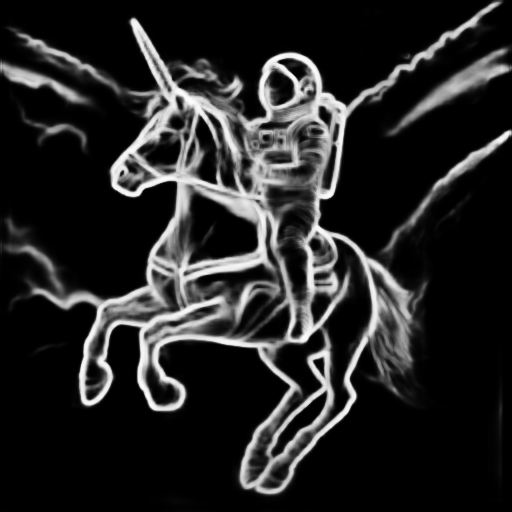
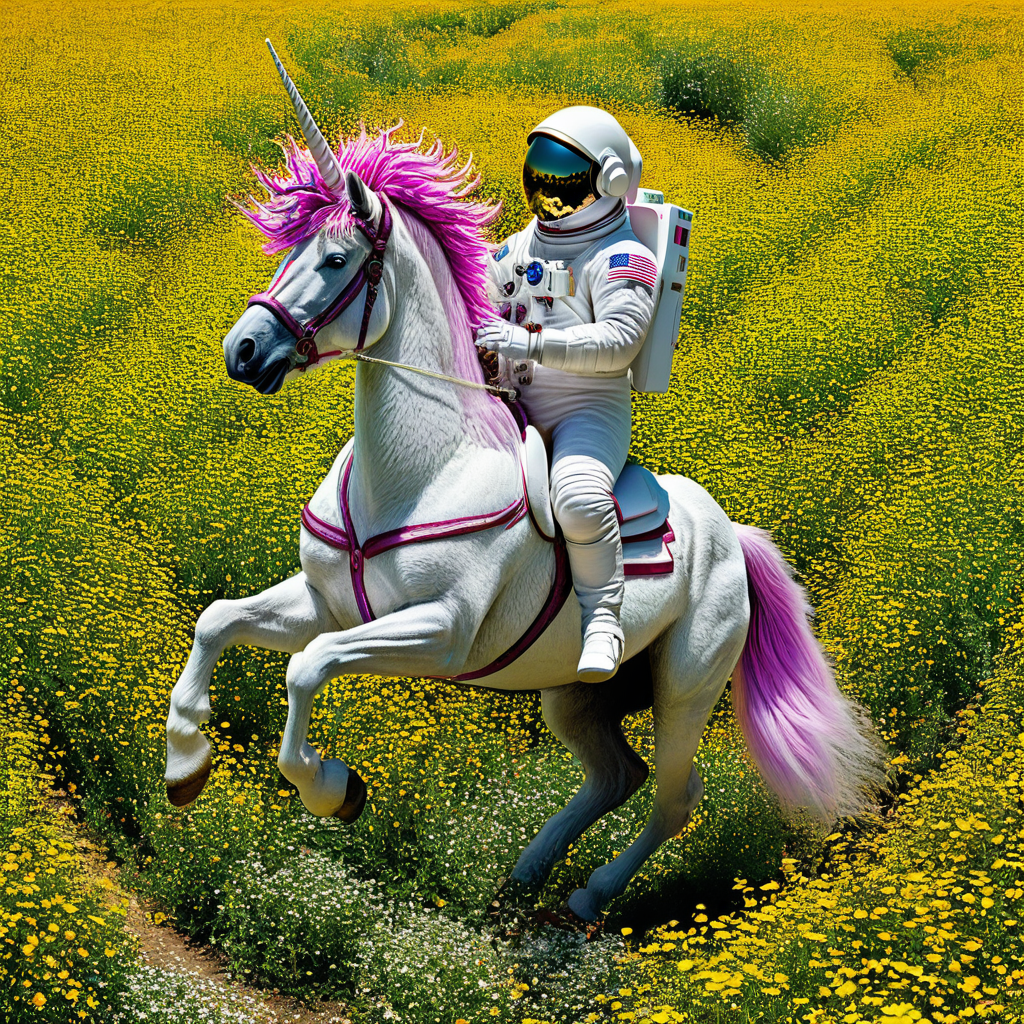
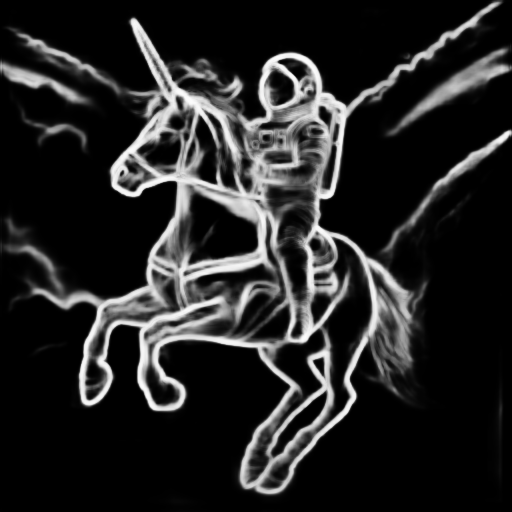
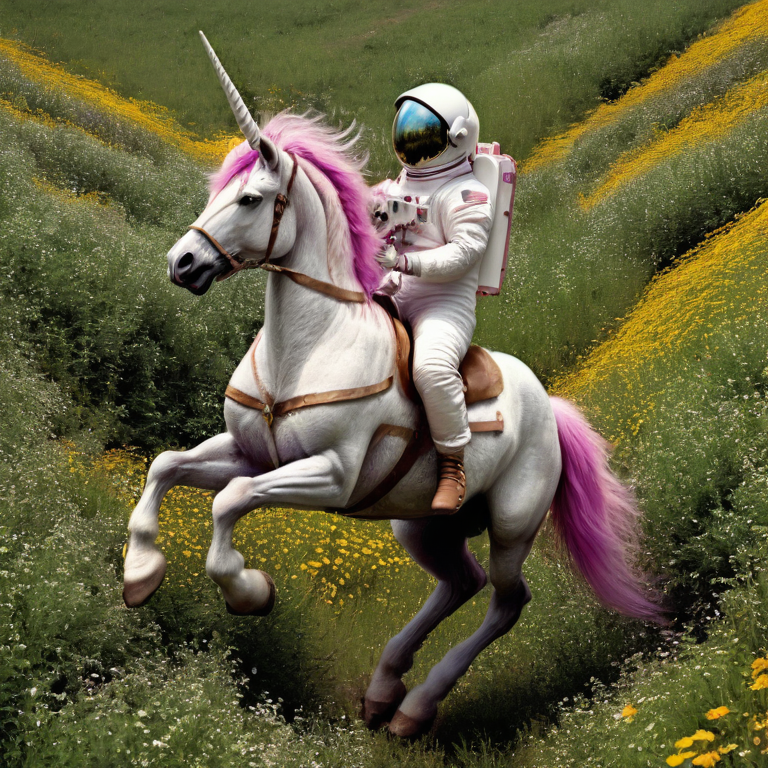
- A detailed photo of an astronaut riding a unicorn through a field of flowers output output output
- A detailed photo of an astronaut riding a unicorn through a field of flowers output output
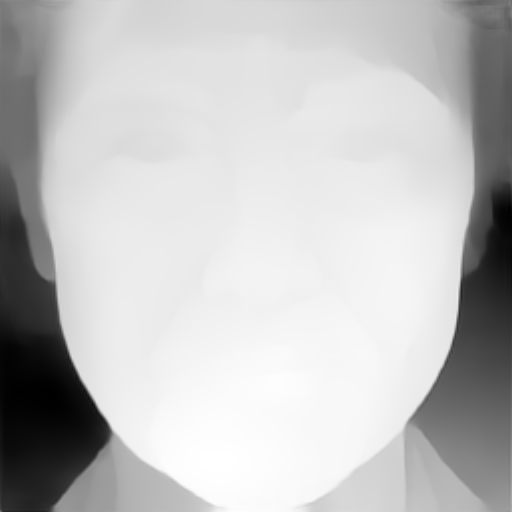
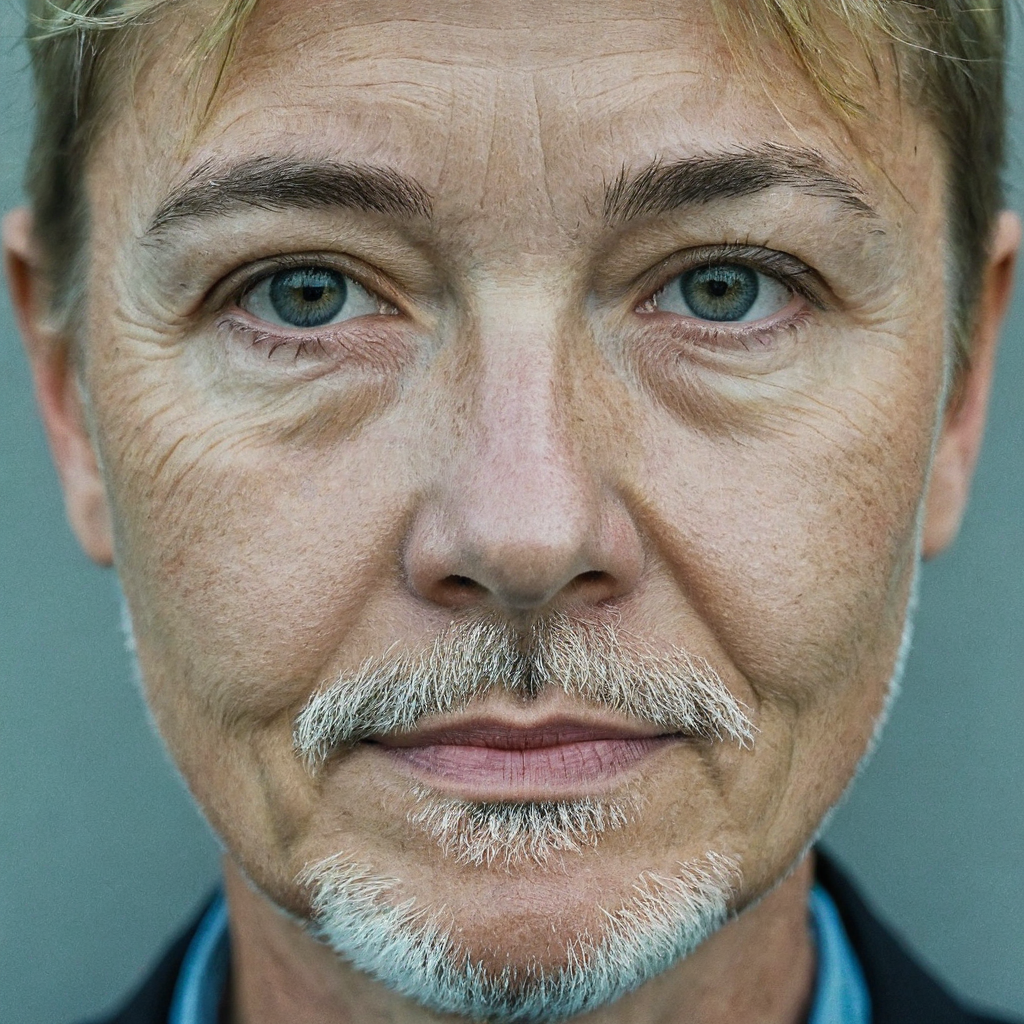
- A portrait photo output output
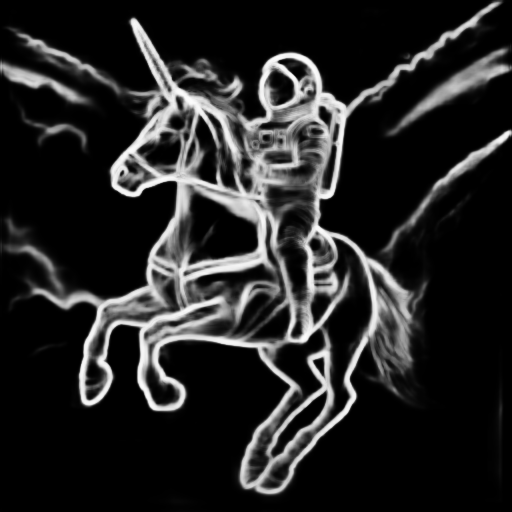
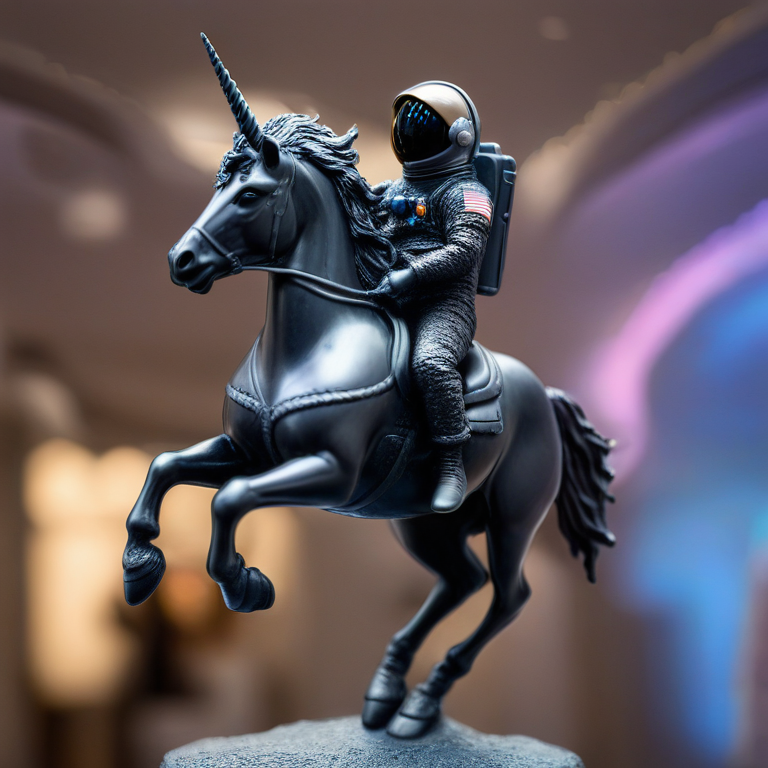
- A detailed photo of an obsidian statue of an astronaut riding a unicorn, bokeh, museum background output output

Description via replicate.